



How to Improve Web Design Skills: A Practical Guide
- September 24, 2025
- 6 Min Read




Did you know that over 80% of first impressions on a website are design-related? A poorly designed interface can reduce customer trust by up to 75%. Now here’s the big question: If design matters this much, how do you even begin learning it? Even if you have the perfect design planned out in your head, there are UI UX Design Tools that can make all the difference.
UI (User Interface) and UX (User Experience) design is all about creating products that are not only beautiful but also functional and intuitive. And to do that effectively, you need the right tools — the kind that make the learning curve feel less like a mountain and more like a smooth hill. The right tool can help you prototype faster, collaborate better, and learn smarter, especially if you are looking to pursue UI UX Design Courses in Bangalore.
In this blog, we’re breaking down the best UI/UX design tools for beginners. Whether you’re a student, a self-learner, or an aspiring creative professional, this guide will walk you through the most accessible, intuitive, and powerful tools to kickstart your journey.

UI/UX tools aren’t just for the pros — they’re designed to make the design process easier and more accessible, especially for beginners. Here’s how these tools empower new designers:

Figma has quickly become one of the most popular design tools in the world — and for good reason. It’s browser-based, easy to use, and supports real-time collaboration, which means you and your team can work on a design at the same time, no matter where you are.
Figma’s clean interface and ease of access make it perfect for beginners. It has a generous free plan and tons of tutorials available online. You don’t even need to install anything — just sign up and start designing in your browser.
Sketch is a macOS-based design tool that’s especially loved in the startup and design agency scene. It’s vector-based and has a wide variety of plugins that extend its functionality.
Sketch has a gentle learning curve and is laser-focused on UI/UX design, which means you won’t be overwhelmed by too many unnecessary features. It’s ideal for beginners using Mac who want to go deep into professional-grade design workflows.
If you’ve used Photoshop or Illustrator, you’ll love how familiar Adobe XD feels. It’s Adobe’s dedicated UX design tool, designed to help you move quickly from wireframes to prototypes.
Adobe XD offers a great free version and is ideal if you’re already familiar with other Adobe tools. It’s also a great stepping stone if you plan to work in environments where Adobe is the standard.
Originally a prototyping tool, InVision has expanded into a full design collaboration platform. It’s especially good for presenting and sharing designs with stakeholders.
InVision makes it easy to show your designs in action without needing to code. It’s great for beginners who want to focus on the experience and flow of their product.
Framer is a powerful tool for interactive prototyping and real-time design collaboration. It combines design and code, which makes it ideal for those who want to eventually work with React or dive into development.
Though a bit more advanced, Framer is great for beginners who want to push boundaries and explore code-based design. It’s a future-proof skill builder.
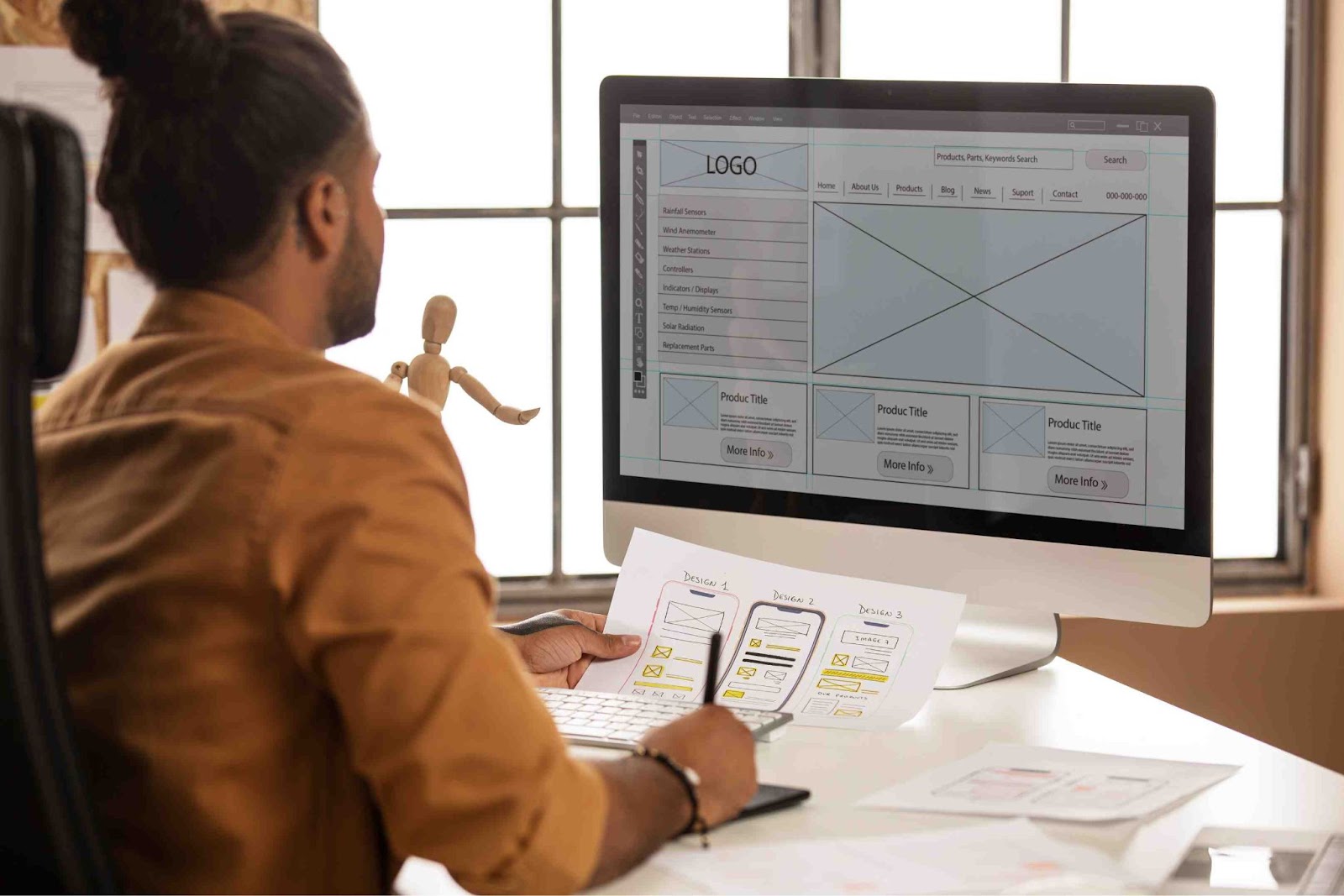
Proto.io is a robust prototyping tool that allows designers to create fully interactive and high-fidelity prototypes without writing a single line of code. It’s especially useful for mimicking real app behavior, making it ideal for presenting user flows and functionality during early development phases.
Proto.io makes it easy to build prototypes that feel real — fast. Its visual editor is beginner-friendly, and the built-in components help new designers skip the pixel-pushing and focus on creating user experiences. Plus, testing your prototype on an actual device is super empowering when you’re just starting out.
Balsamiq is a wireframing tool that intentionally looks low-fidelity. The idea is to focus on structure, flow, and functionality — not colors or fonts.
If you’re new to UI/UX and want to avoid getting caught up in visual details, Balsamiq is perfect. It’s like sketching on paper — but smarter.

At LISAA School of Design, students don’t just learn about tools — they learn how to use them creatively and strategically. Here’s how we help students maximize their potential:
Students work hands-on with tools like Figma, Adobe XD, and Balsamiq as part of real assignments and classroom projects.
Courses are structured from basic tool navigation to advanced prototyping and design systems, so no one feels left behind.
Students apply tools to real-world challenges, preparing them for client work, internships, or freelancing.
Our experienced mentors offer tool-based guidance, review student work, and provide feedback directly in platforms like Figma or InVision.
Regular tool-focused workshops and masterclasses ensure students are exposed to updates, plugins, and best practices.
LISAA helps students compile their work using design tools into polished, professional portfolios.
Students receive access to licensed versions of key tools, ensuring they’re learning with what the industry uses.

Stepping into UI UX design courses in Bangalore may feel overwhelming at first because of the vast number of tools available. The good news? You don’t need to master them all at once. The key is to start with the right tools that support your growth, not complicate it. Tools like Figma, Adobe XD, Proto.io, and Balsamiq have become go-to platforms not just because they’re popular, but because they’re intuitive, accessible, and powerful.
Whether you’re building a low-fidelity wireframe or creating a high-fidelity interactive prototype, the tools you choose will shape how efficiently and confidently you work. Remember, UI/UX design isn’t just about making things look good — it’s about solving problems, enhancing user experiences, and communicating visually. The tools are simply your creative playgrounds — spaces where your ideas come to life, evolve, and start conversations.